
Features/Separate by Color
Separate by Color
BetaImport a painted 3MF, click a color, and detach that region. Useful for multi-material workflows without redoing paint in CAD.
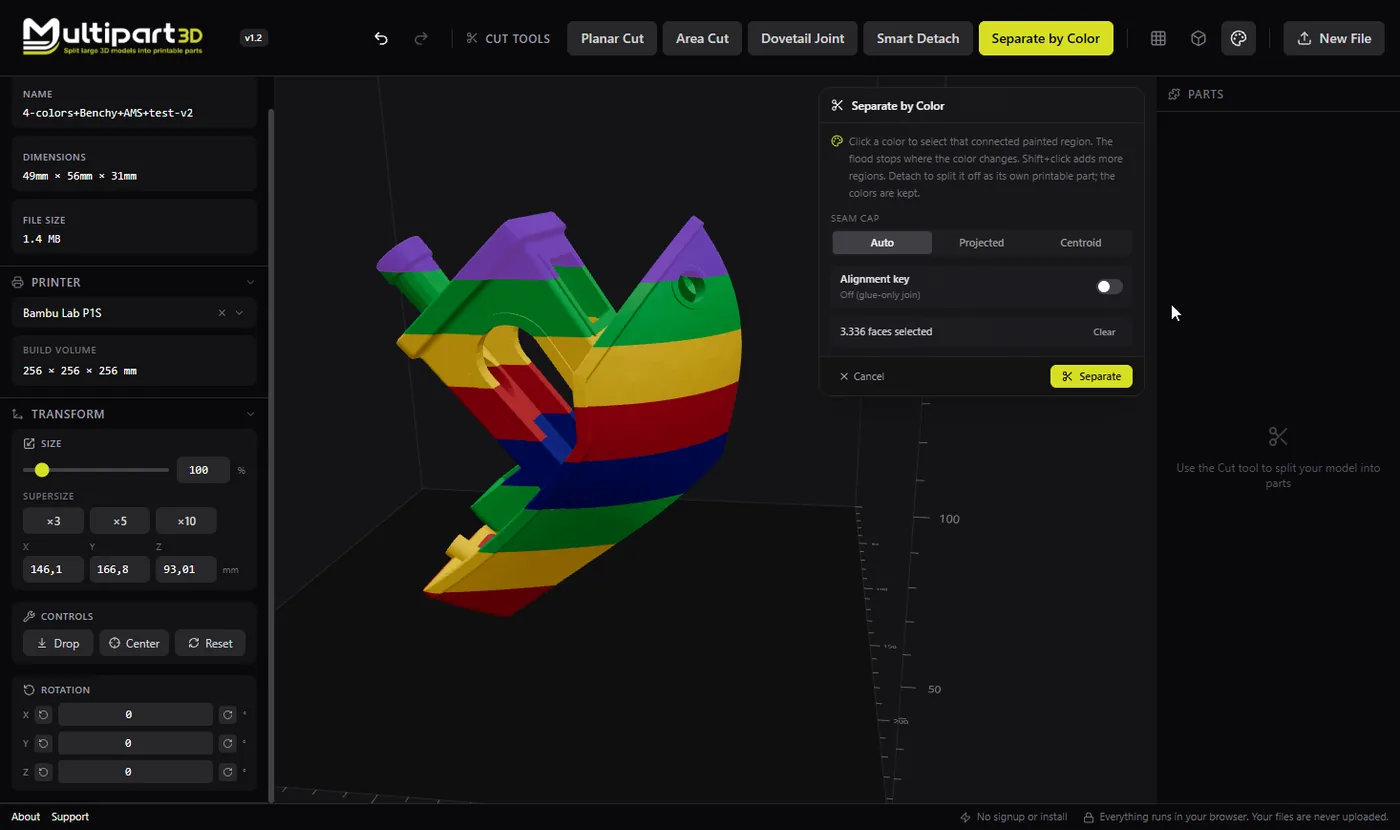
When to use it
- You painted a model in your slicer and want physical parts per color
- Multi-material or swap-filament prints need separate meshes
- Armor, cloth, and skin should be different printable pieces
- You want to keep painterly regions instead of cutting by plane
How it works
- Export or save a painted 3MF from Bambu Studio, Orca Slicer, or PrusaSlicer.
- Open it in Multipart3D. Colors load with the model.
- Use Separate by Color, click a region, and preview the detach.
- Export parts (with colors preserved where supported) for slicing.
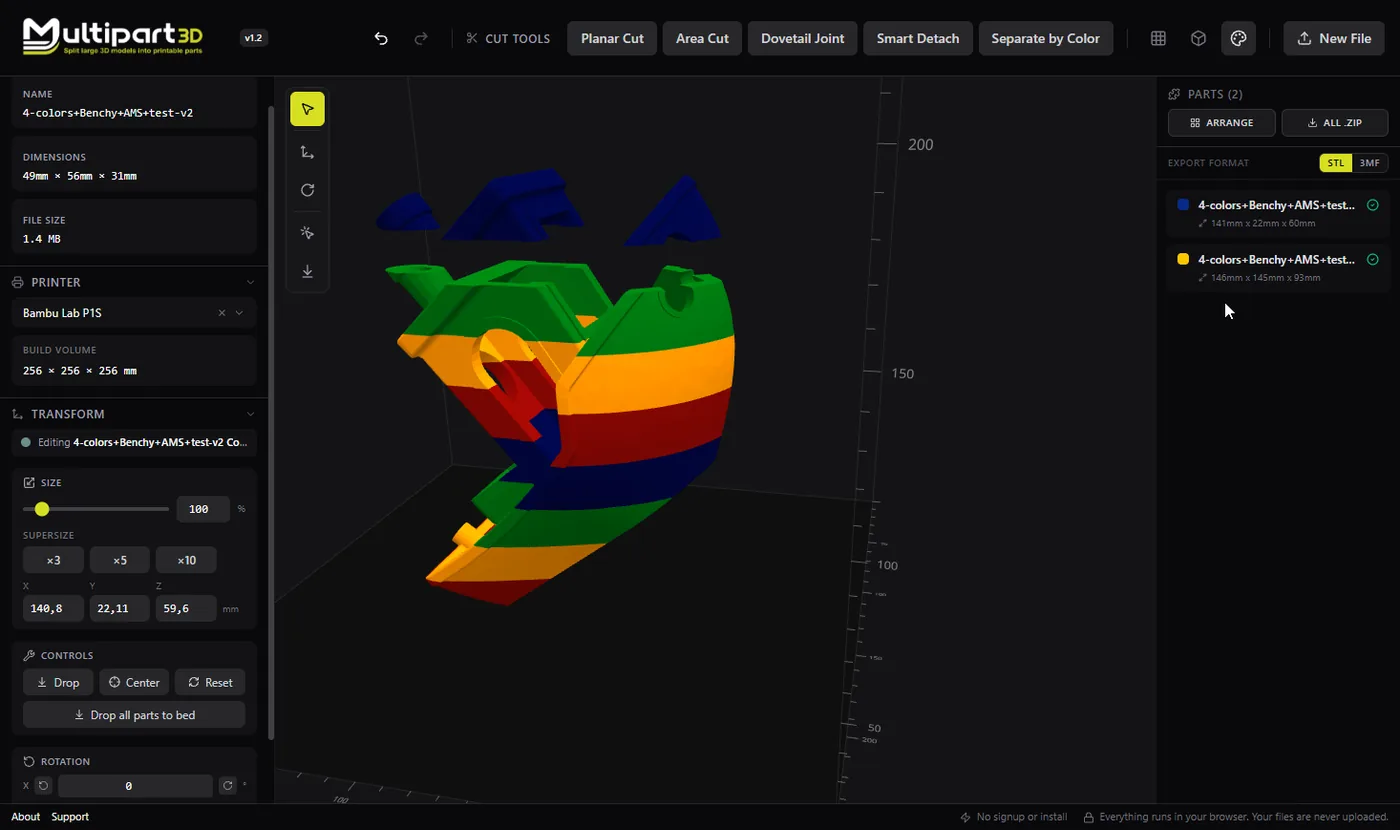
Painted 3MF is how many modern workflows store color. Separate by Color turns those paint islands into mesh parts so you can print materials or filaments separately, or finish parts independently.
This feature is marked beta in Multipart3D: it already covers the cuts makers reach for often, and richer color-through-connectors workflows are on the roadmap. Processing stays on your device.
If your model is a single-color STL, use Planar, Area, Dovetail, or Smart Detach instead.
Tips
- Clean, well-separated paint regions detach more reliably than tiny speckles.
- Keep a backup of the original painted 3MF before large detach sessions.
- After splitting, confirm each part still has a printable base orientation.